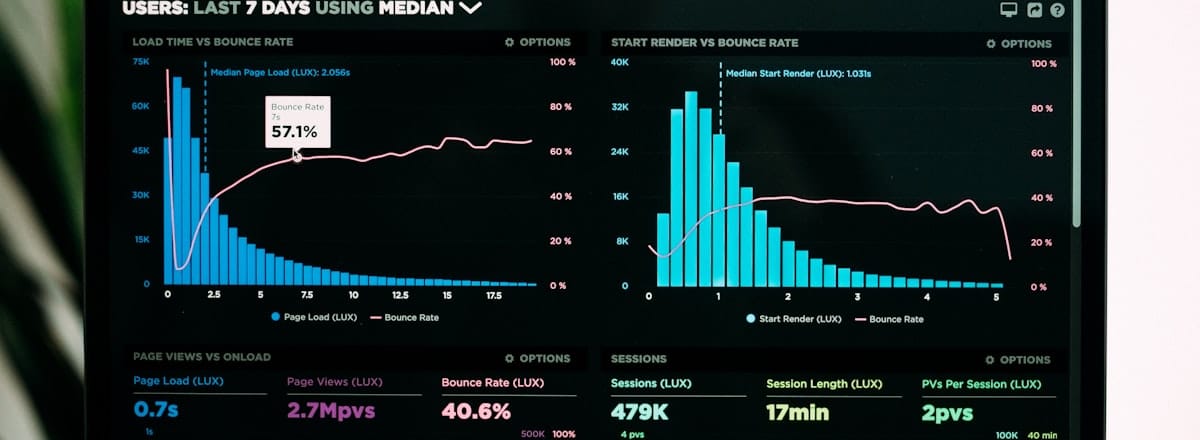
Marketing dashboards fail in predictable ways. They’re built with too many metrics, updated inconsistently, calibrated to the analyst who built them rather than the executives who read them, and disconnected from the decisions they’re supposed to inform. Here’s a better approach.
Start With the Decision, Not the Data
Before building a dashboard, define the decisions it should inform. “Should we increase paid search budget next quarter?” requires different data than “Which content topics should we prioritise?” Map each section of the dashboard to a specific decision. If a metric doesn’t help answer a defined question, it doesn’t belong on the dashboard.
The North Star Metric
Every marketing dashboard should have one primary metric that represents the core goal. For e-commerce: revenue from marketing-influenced channels. For SaaS: MQLs or trials started. For lead gen: qualified leads submitted. This metric should be prominent, trended over time, and compared to target. Everything else on the dashboard contextualises this number.
The Three-Level Dashboard Structure
Executive view (1 page): North star metric vs target, top-line performance by major channel, key wins and concerns in plain language. This should take 2 minutes to read and give a clear answer to “how are we doing?”
Channel view (1 page per channel): Channel-specific KPIs, spend vs budget, efficiency metrics (CPA, ROAS, CPL), trend over time. Suitable for marketing managers and channel owners.
Diagnostic view: Detailed breakdowns for troubleshooting — campaign performance, audience analysis, keyword data. Used by analysts when something looks wrong in the channel view.
Data Source Integration
Looker Studio (formerly Data Studio) connects natively to GA4, Google Ads, Search Console, YouTube, and many third-party ESPs. For multi-channel dashboards pulling from Meta, LinkedIn, TikTok, and CRM data, a data connector like Supermetrics or a lightweight ETL pipeline makes maintenance much easier than manual exports. The goal is zero manual work to update the dashboard — if it requires a human to refresh it, it won’t stay current.
The Annotations Layer
Raw metrics without context are often misleading. Add an annotations layer to your dashboard marking: significant budget changes, major campaigns or launches, seasonality events, platform issues, tracking changes. A sudden traffic drop that coincides with a site migration looks very different from a sudden traffic drop that appears with no annotation. Without annotations, dashboards generate confusion rather than clarity.
Dashboard Review Cadence
Build a standing meeting cadence around the dashboard. Monthly executive review of the top-level view. Weekly channel review at the channel level. Ad hoc diagnostic reviews when channel performance shifts significantly. Dashboards that aren’t reviewed in meetings decay — they stop being updated, stop being accurate, and stop being used.